
- Navigate to the front-facing page of your Video on Demand page.
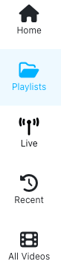
- Select the Playlists option on the left-hand side.
- Select the Play button to the right of the playlist name.
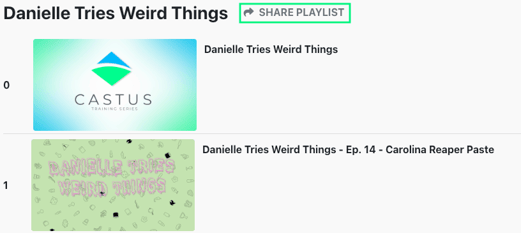
- Use the arrow to the left of Share Playlist to open the share menu.
- Select the link icon to copy the link.
- Select the embed icon to copy the embed code.

- Share with viewers!