
- Log in to cloud.castus.tv and choose Channels > Live Channels from the main menu on the left.
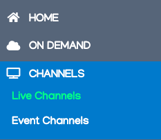
- Select the pen icon to the right of the channel you want to stream and scroll down to Channels > Live Channels and choose the pen icon to the right of the channel you want to restream.
- Select the tab at the top titled Restreaming.
- Select the service(s) you want to restream to and log in with your respective credentials.
- Before going live on Facebook, use the drop down to select your personal timeline or a page you manage to go live on.
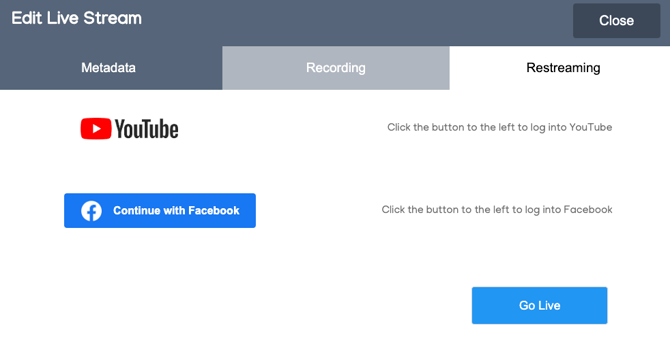
- Click Go Live when you’re ready and watch the cloud portal seamlessly stream to your platform(s).
In addition to providing a straightforward one-click solution for going live, this system can also help you free up an IP output or two on your CASTUS server if you have configured it to stream to YouTube.