
- Log in to cloud.castus.tv/admin and choose On Demand > Playlists.
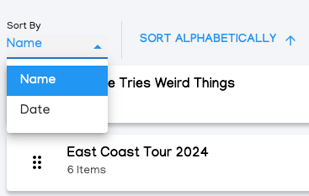
- Alphabetically or by Date: Select the Sort By dropdown menu and choose either Name or Date to determine how you want to arrange your playlists. Next, click the button on the right to sort the items in either ascending or descending order.
- Manually: Click and drag the stacked dots to create a custom order.
- Select Save Playlist Order in the top right to save your changes.
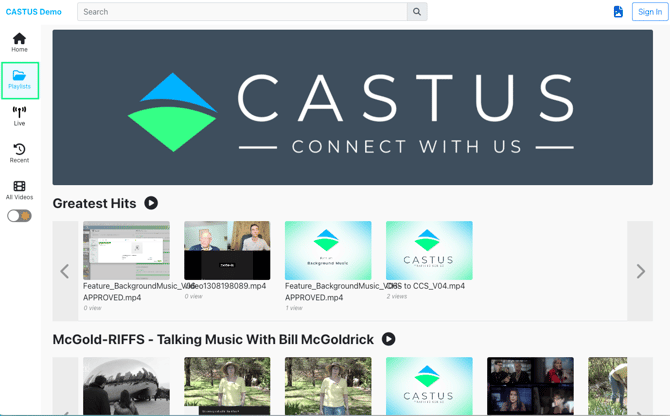
To see the order on your public site, select Playlists from the menu bar on the left.
Looking for the order of categories on your front page instead? Head to Featuring Playlists on VOD.