
Navigating to Push Notifications
- Log in to your CASTUS cloud portal at cloud.castus.tv.
- Navigate to the Mobile option on the left hand side.
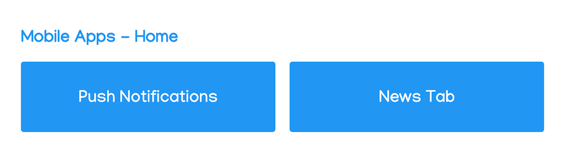
- Choose Push Notifications.
Creating and Sending a Push Notification
- Add the information noted below
- Title - required
- Subtitle (iOS/Apple only) - optional
- Body - optional
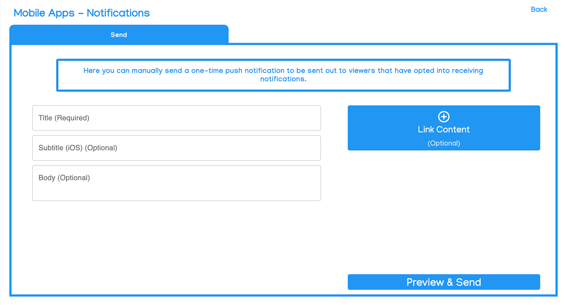
- If you plan to link content to your notification, such as a video, playlist, or live stream, select Link Content on the right.
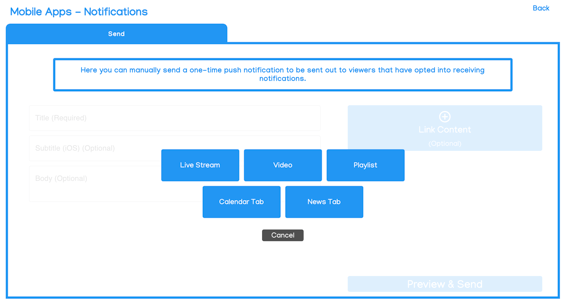
- Choose what type of content you want to link.
- Navigate to and select the specific content you want to link.
- Preview your notification by choosing Preview & Send in the bottom right.
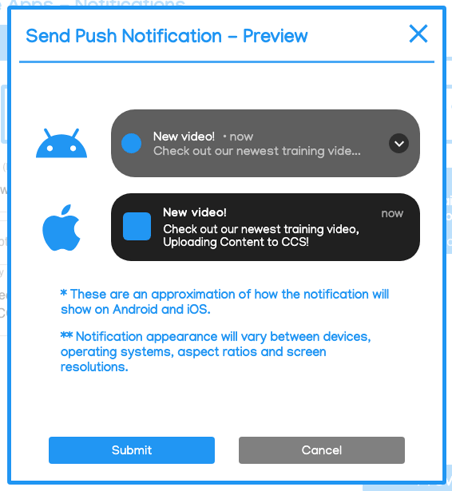
- Review your notification and choose Send when ready to send.