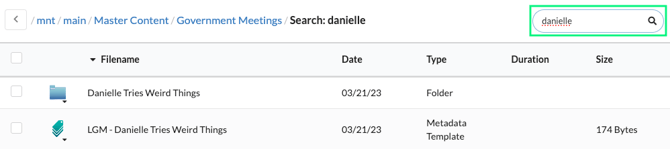
Search - The search function in the library is your best tool for locating a file when you're uncertain about its folder location. To use it, open the Library by selecting CASTUS > Library, and enter your search term in the search box located on the right side. Additionally, this search feature is accessible in the library widget within the schedule editor, making it convenient for quick scheduling tasks.
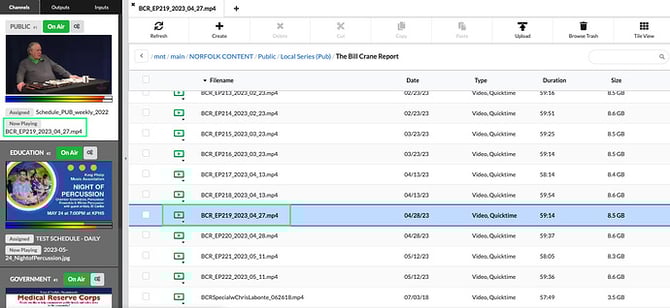
Confidence Monitors - Beneath the confidence monitors on the left side of the user interface, you will find a display of both the assigned content for the channel and the currently playing item. You can click on either name to access the corresponding schedule or to navigate directly to the file's location in the library.
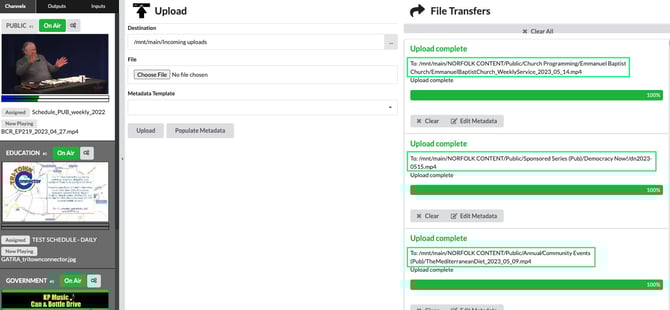
Upload & File Transfer Screen - When you upload, move, or send a file to VOD, the file path is clearly displayed and can be easily clicked for quick access to the file in your library.
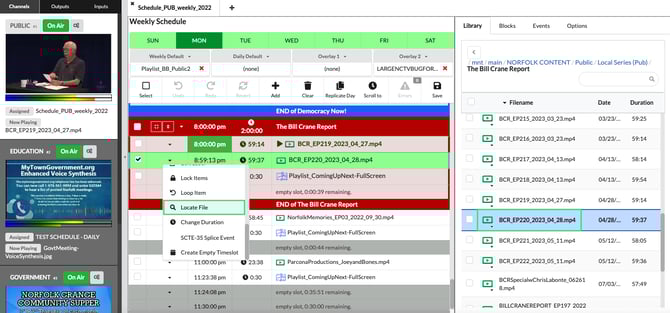
Schedule - To quickly locate the saved location of a scheduled item, simply click the dropdown menu next to the scheduled file name and select locate file. This action will highlight the corresponding file in the library widget, making it easy to find. This feature is also applicable for your default and overlay items.