NOTE: File-based translations also requires a video on demand subscription or cloud storage space. Contact sales@castus.tv with questions about adding this service to your account.
TRANSLATING YOUR CONTENT
- Navigate to your CASTUS Cloud Portal and choose On Demand > Library.
- To utilize the translation feature, your file must already contain captions. These captions can be derived from live broadcasts, automatically generated in the cloud, or uploaded as a .vtt file. However, please note that embedded captions will not be accepted for translation.
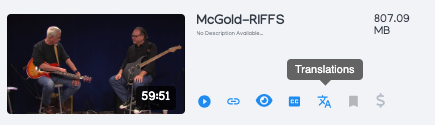
- In the Library view, select the translation icon to open up the translation menu.
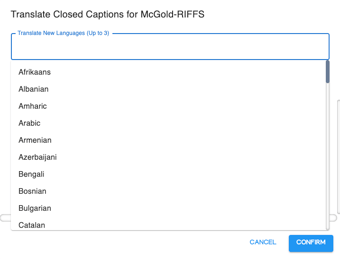
- Choose up to 3 languages to translate at a time (you can always come back to translate more) and select Confirm.
NOTE: Your video needs to first have a caption file in order to translate to other languages.
DOWNLOADING TRANSLATIONS
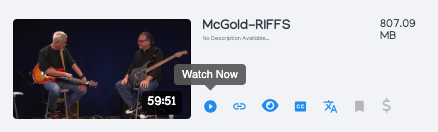
- Go to the front end page of your translated video by clicking the Watch Now icon in the library view.
- Select the share button below the video to the right.
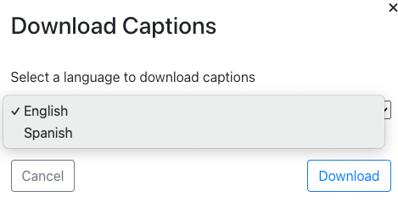
- Select Download Captions.
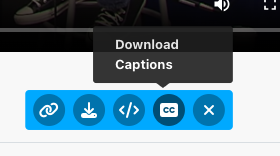
- Choose the language you'd like to download from the list that pops up and select Download in the bottom right. Repeat for additional languages.