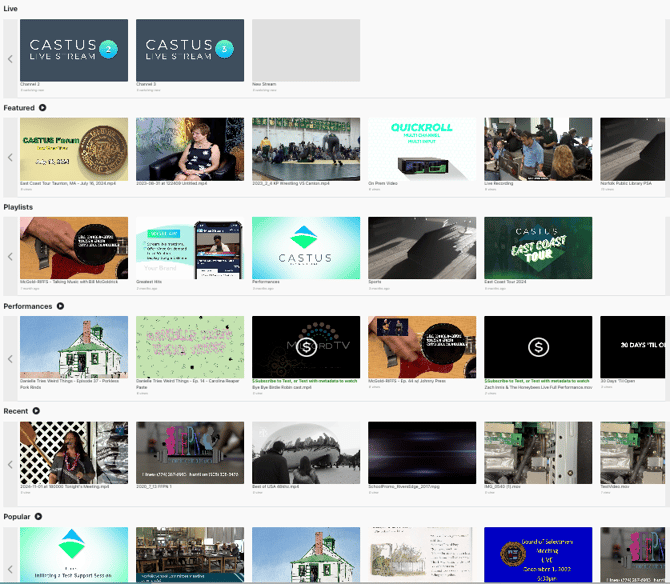
Featuring a Playlist
- Visit cloud.castus.tv and log into the cloud portal with your credentials.
- Select On Demand > Playlists.
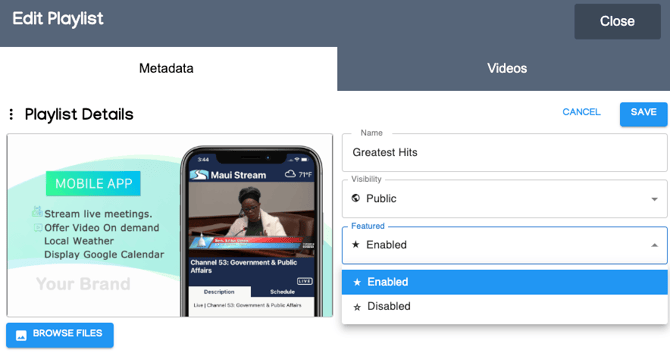
- Choose the pen icon to the right of the playlist you want to feature.
- Change the Featured category from Disabled to Enabled.
- Save your changes.
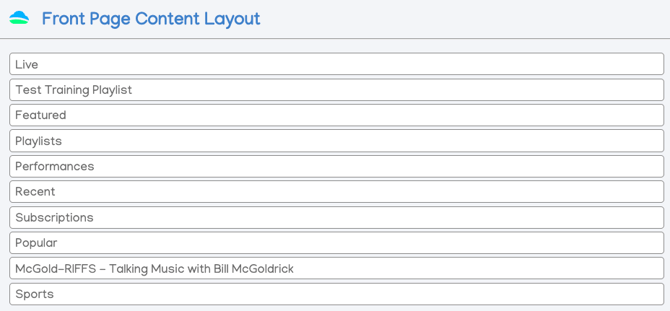
Set the Front Page Content Layout Order
- Select Settings from the left-hand menu.
- Click and drag to reorder your Front Page Content Layout.
- Choose Save Changes at the top to save.
Select the blue button at the bottom of the left-hand menu to see the changes on your Front Page!