
GETTING STARTED
- Log into the CASTUS Cloud Portal with your credentials.
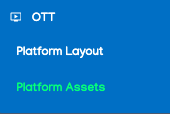 In the left navigation menu, select the option for OTT and Platform Assets.
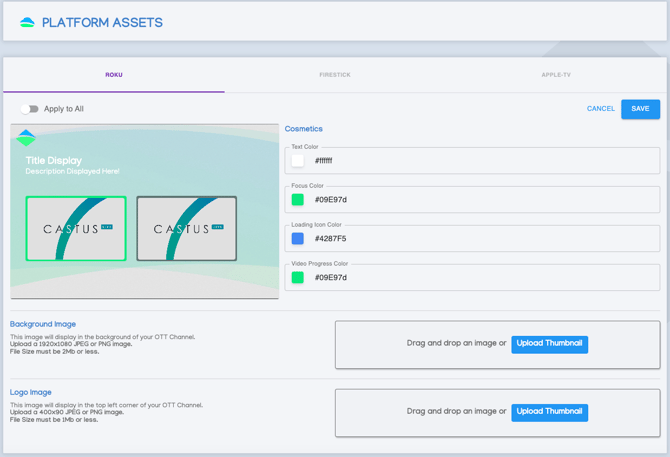
- Select the specific platform you want to modify from the menu at the top, or click on Apply to All to make changes across all platforms simultaneously.
- Navigate through the sample image by using the arrow keys to switch between the Home Page, Preview Page, and Video Page.
CUSTOMIZING
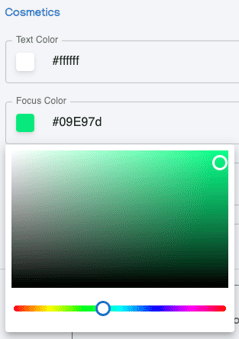 In the Cosmetics section, choose the color sample to utilize the color picker, or input your hex code to apply a custom branded color.
- To upload a background image, simply drag and drop your desired file into the designated area, or alternatively, click on the Upload Thumbnail option to select the image from your device.
- Repeat step 2 for the logo image as well.
- Select Save in the top right to save your changes.
- Please allow 24 - 48 hours for your changes to populate across your chosen app(s).
NOTE: Background images and logos must be JPEG or PNG images. Backgrounds should be 1920 x 1080 and 2Mb or less. Logos should be 400 x 90 and 1Mb or less.