
GETTING STARTED
- Log into the CASTUS Cloud Portal with your credentials.
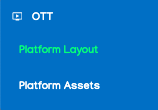
- In the left navigation menu, select the option for OTT and Platform Layout.
- Select the specific platform you want to modify from the menu at the top, or click on Apply to All to make changes across all platforms simultaneously.
ORGANIZING CONTENT
- To rearrange the content, simply click the icon located to the right of the item's name and drag it up or down to the desired position.
- To remove an item, click the icon located to the right of the item.
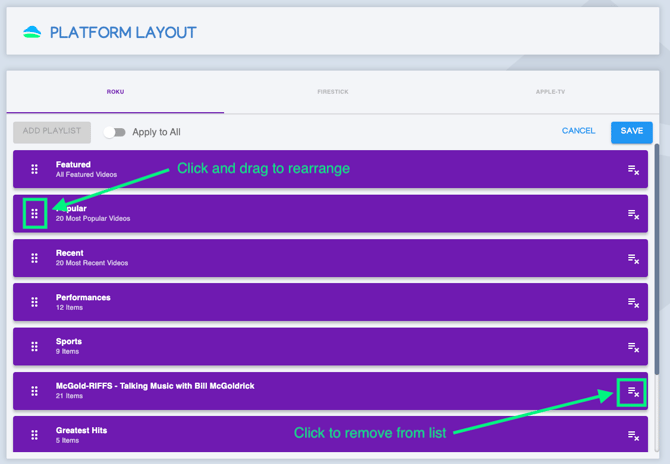
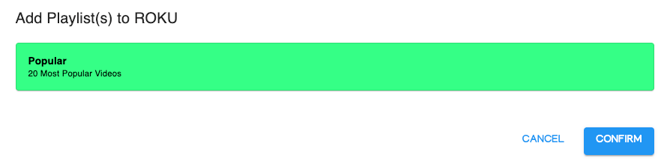
- If you want to restore an item to the list, click on Add Playlist and select the item you wish to reinstate to the homepage and confirm your selection.
- To save your changes, select Save in the top right. Please allow 24 - 48 hours to see changes reflected in your app(s).
NOTE: For assistance with removing items from your mobile app, please reach out to our support team at support@castus.tv.