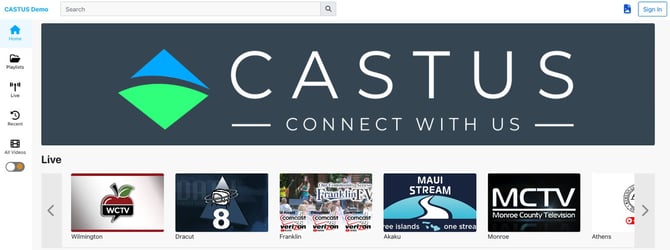
Do you often partner with another station or readily share content? Did you know you can add other HLS streams to your CCS account for free? If your partner station has an existing HLS stream, regardless of whether it was created with CASTUS, you can quickly incorporate that stream into your CCS Live page in just a few simple steps!
- Log in to your CCS portal via cloud.castus.tv/admin and navigate to CHANNEL > Live Channels.
- Select New Live Stream.
- A new item will be created labeled “New Stream".
- Click on the pen icon on the right to edit this stream.
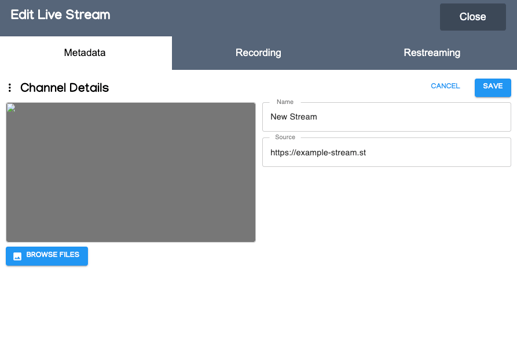
- Add a thumbnail, name of the stream, and the source (HLS) stream URL.
- Confirm the changes.
This new stream will now show up alongside your own live streams on your public CCS page.