
A key advantage of C4 and C8 Support is the ability to receive the most recent software updates. These updates are crucial for addressing bugs, introducing new features, and ensuring the overall performance and stability of your CASTUS system.
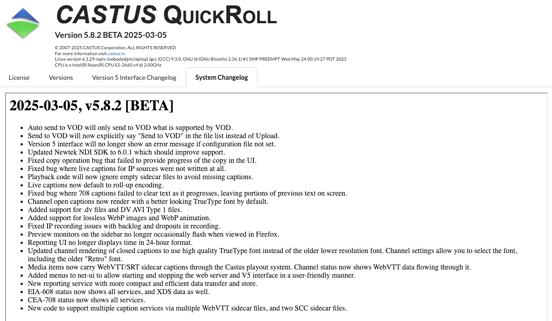
To verify the software version installed on your system, go to the CASTUS Main Menu and click on the About option. Here, you will find comprehensive details about your current software version, including its release date, a summary of the latest update, and information about your system type.
If you prefer the traditional Version 4 interface, commonly known as v4, you can still take advantage of the latest software updates. For users on version 5.0 or later, there is the added benefit of being able to switch seamlessly between the two interfaces. To do so, simply modify the number at the end of your unit’s URL in your web browser to toggle between the interfaces.
